In ChatGPT
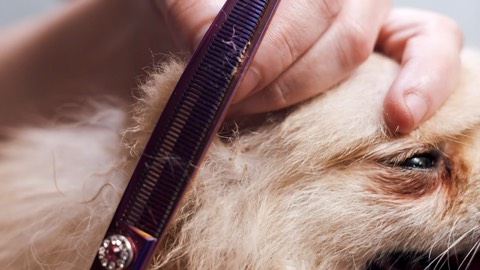
Can someone groom my doodle this Saturday?
Happy Paws has two Saturday times for a full groom, large dog.
Full groom · large$110
9:001:30
Book and pay
AIBookable in AI assistants
Clients ask ChatGPT, Claude, Gemini or Copilot for a lesson, a massage or a repair. Your real openings show up, and they book and pay without leaving the chat.
 Booked through MarketBox
Every kind of service
Studios, clinics, tutors, groomers and teams who travel to the client. If it’s bookable in MarketBox, it can be booked in a chat.
Sample data. Business names are examples.
How it works
Turn on AI booking and pick the services, locations and providers clients can book from a chat.
The assistant reads your live calendar, so it only offers times you can actually take.
It lands in your calendar like any other booking. Clients get confirmations and reminders on their own.
Chat bookings follow the same rules as your booking page, so nothing gets double-booked and nothing slips through.
You decide
Keep consultations by phone, put classes front and centre, and turn AI booking on or off for each location.
160%average increase in online bookings
“Our online self bookings have increased by at least 2x.”
AI assistants sit next to the channels you already use, all feeding the same calendar.